How to Compare Credit Card Processing Proposals: A Side-by-Side Checklist
A practical checklist for comparing payment processing offers: effective rate, pricing model, every fee line, and the contract terms that decide what you really pay.

Start with the workflow. Then pick the system.
Swiped Unlimited works with Clover, Square, JK POS, Quantic, TouchBistro, and Dejavoo. We are not locked to one brand. The useful question is which system fits your floor, inventory, reporting, and support needs—and what you should verify before you commit.
Partner directories are easy to skim and hard to choose from. Use these questions to narrow the field.
Systems are not interchangeable. Compatibility with a given processor, hardware, or feature set has to be verified for your account—do not assume a logo on this page means every integration is available.
Below is verified orientation only: what each system generally is, where it often fits, and what merchants should confirm before choosing it.

Clover is a full POS family (countertop, handheld, and kiosk-style options) with an app market for add-ons such as loyalty, scheduling, and online ordering.
Often a fit for: restaurants that need table service and kitchen printing; retailers with inventory and scanning; operators who want hardware and software from one ecosystem.
Verify before you choose: which Clover hardware you need, app/subscription costs, and how processing is priced on that setup.

Square is quick to start and can run on Square hardware or a phone or tablet. Many merchants use it for both in-person and online sales.
Often a fit for: cafes, pop-ups, counter service, and smaller retail; businesses that want a simple start.
Verify before you choose: effective processing cost as volume grows, feature limits at your scale, and whether you need richer inventory or kitchen workflows later.

JK POS is a full point-of-sale option we install and support locally for merchants who want hands-on setup rather than a pure DIY path.
Often a fit for: restaurants, pizzerias, and retail counters that want local installation and training.
Verify before you choose: menu or inventory loading scope, hardware list, and ongoing support expectations.

Quantic is a cloud POS that runs on several hardware options and covers restaurant, retail, and service workflows, including multi-location needs.
Often a fit for: multi-location or franchise setups; restaurants needing online ordering or kiosks; retail with larger catalogs.
Verify before you choose: hardware pairing, location/reporting structure, and which modules are included vs. add-ons.
TouchBistro is a restaurant-focused POS that runs on iPad, with floor plans, menus, tableside ordering, and reporting aimed at full-service operations.
Often a fit for: full-service restaurants and bars that want floor plans, coursing, and tableside ordering.
Verify before you choose: iPad/hardware requirements, kitchen printing setup, and how payments are connected on your account.
Dejavoo terminals are a fit when you need reliable card acceptance—with or without a full POS—supporting tap, chip, and swipe.
Often a fit for: merchants who mainly need a terminal; businesses pairing terminals with an existing POS or lighter workflow.
Verify before you choose: wired vs. wireless needs, receipt options, and how any dual-pricing or surcharge program is configured under card-brand rules.
Tables or counter, inventory or menu, one location or several.
We read current statements so the comparison uses real fees—not brochure rates.
Menu or inventory load, terminal connection, and staff walkthrough when that is part of the engagement.
Already running Toast, Shift4, SpotOn, or similar? See how we compare processors on the statement—not the slide deck.
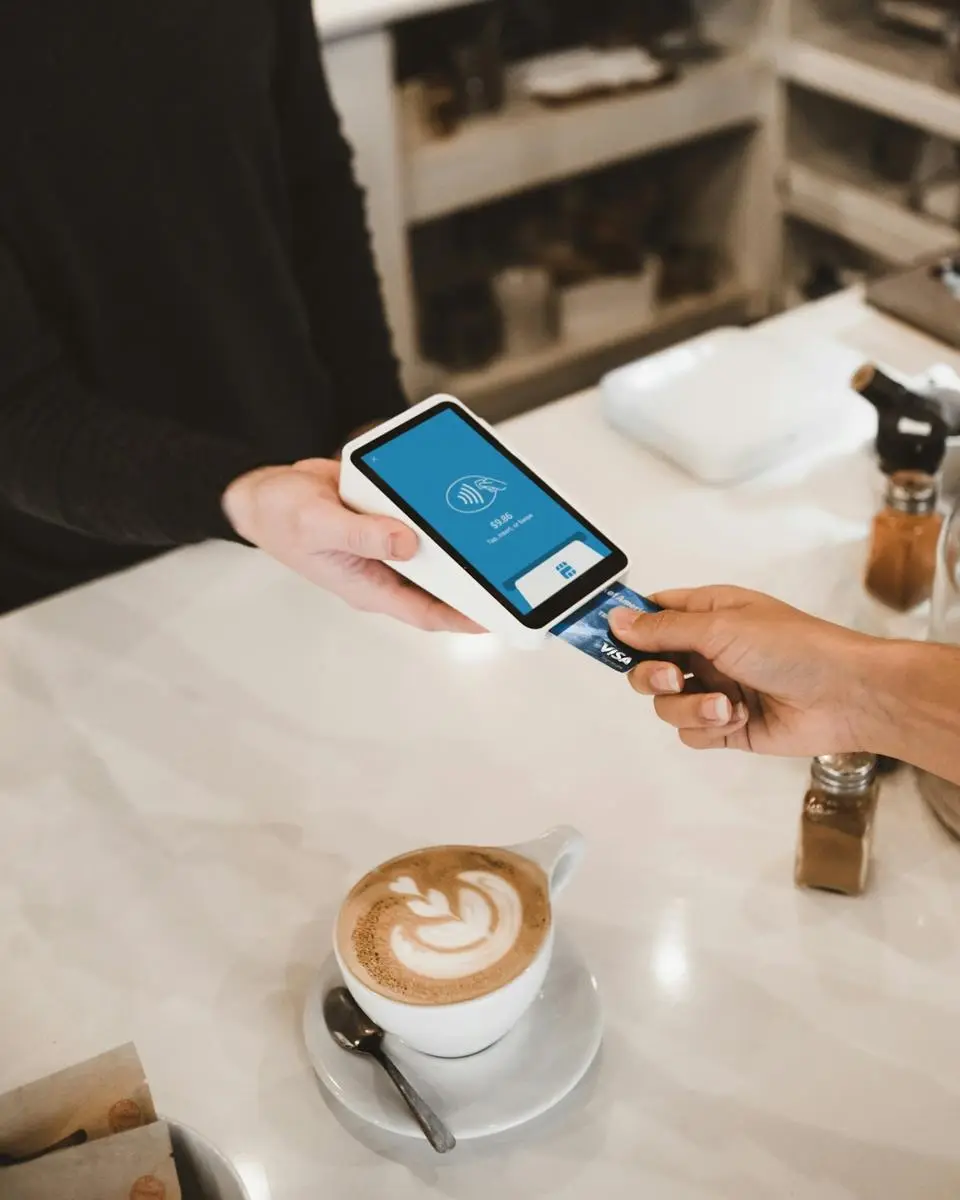
Tell us how you sell today. We will help narrow POS and processing options—and say what still needs verifying before you buy hardware.
1.844.510.5600
Headquartered in Monmouth Beach, NJ
If you already have statements or a POS proposal, we can review cost and fit together.
Get a free statement analysis Talk to a real person