
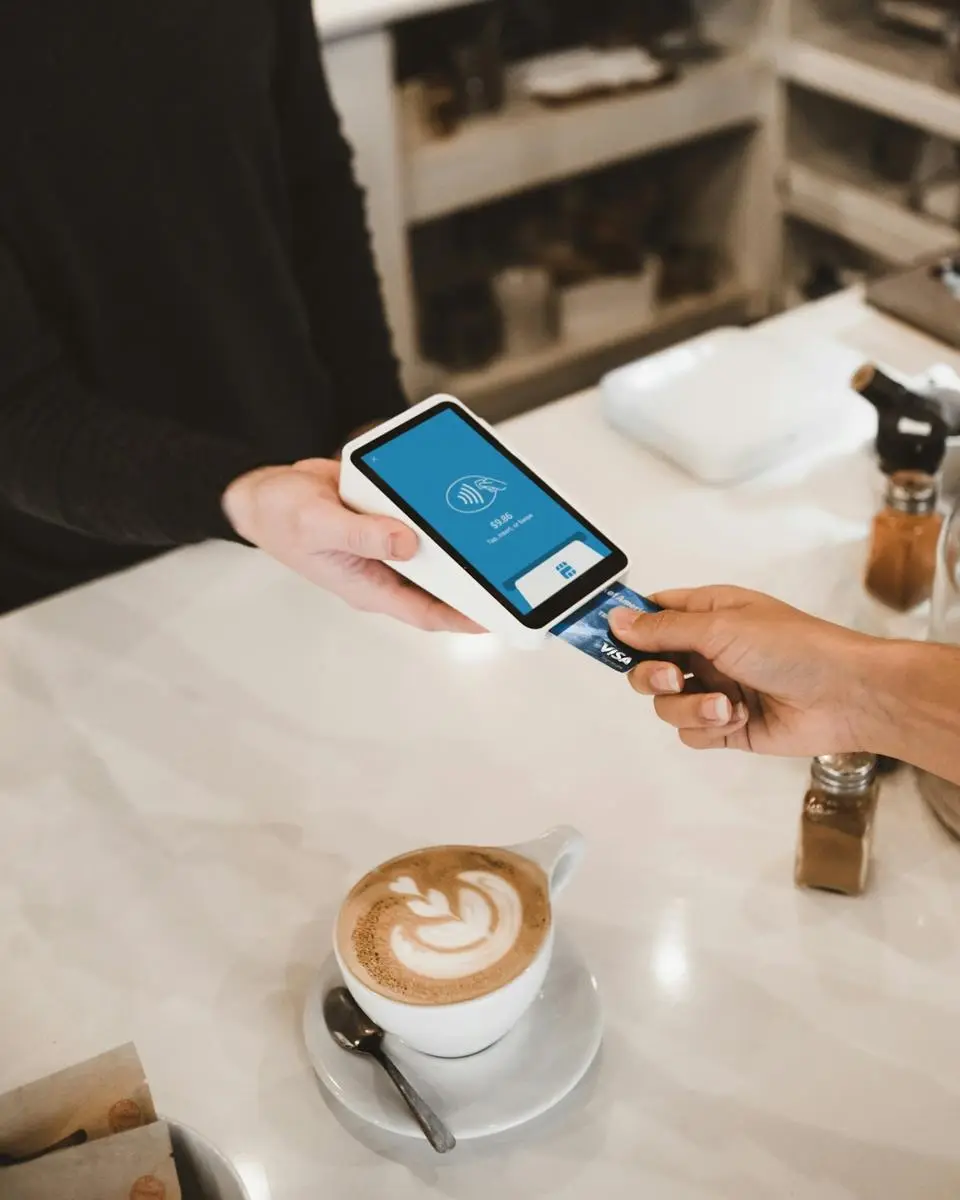
Search "payment terminal" and you'll find dozens of devices that look alike. The differences that matter aren't on the spec sheet—they're in how your counter, your staff and your customers actually move. This guide sorts the options by how a business runs, then lists the questions to ask before you sign for any hardware.
General information. Features vary by model and processor—confirm what's included before you commit to equipment.
The four main setups
| Setup | Best fit | Watch for |
|---|---|---|
| Countertop terminal | One checkout spot, mostly in-person sales | Ties checkout to one place; may not print itemized orders |
| Wireless / portable terminal | Pay-at-table, curbside, deliveries, service lanes | Battery life, Wi-Fi or cellular coverage where you'll use it |
| Smart terminal (app-based) | Small shops that want simple POS features on the device | Which apps are included vs. extra monthly software fees |
| Full POS system | Restaurants, retail with inventory, multi-station operations | Software subscription, hardware count, and how payments are tied in |
If you're deciding between a terminal and a full POS, our terminals vs. POS page walks through the tradeoff in more detail.
Start with how customers pay
Before you look at hardware, list the ways money actually reaches you in a normal week:
- Tap / contactless (cards and phone wallets)
- Chip and swipe at a counter
- At the table or curb, away from the register
- Over the phone (keyed-in card numbers)
- Invoices or payment links sent by text or email
A device that handles 90% of your volume beautifully but forces staff to work around the other 10% will cost you time every day. Match the device to the whole list.
Questions to ask before you sign for equipment
- Buy, rent or lease? Who owns the device at the end—and can you cancel the agreement separately from processing?
- Is the terminal locked to one processor? Some devices only work with the company that provided them. That matters if you ever want to switch.
- What software fees come with it? Smart terminals and POS systems often carry a monthly software charge on top of processing.
- Does it support your pricing program? If you use surcharging or dual pricing, confirm the device shows and records it correctly. (See surcharging vs. dual pricing.)
- Tips, receipts and reporting: can staff add tips the way you work, and do batch reports match what accounting needs?
- Who supports it? When a terminal goes down on a Saturday, who picks up the phone?
The cheapest terminal is the one your staff never has to work around.
Restaurants and the Shore season
For restaurants and seasonal Jersey Shore businesses, two things change the answer: mobility (pay-at-table, boardwalk stands, outdoor seating) and volume swings between summer and the off-season. Wireless devices and simple reporting usually matter more than extra features. Our restaurant POS page and POS partners list the systems we work with.
Before you replace anything
New hardware doesn't fix a pricing problem. If your monthly fees feel high, compare the whole cost first—our proposal comparison checklist shows how—or send us a statement for a free statement analysis.
Quick answers
What is the difference between a payment terminal and a POS system?
A payment terminal takes card payments. A POS system also runs your orders, menu or inventory, staff and reporting, with payments built in. Many small businesses only need a terminal; restaurants and multi-station shops usually benefit from a POS.
Should I lease a credit card terminal?
Read the lease terms carefully. Some equipment leases are separate, non-cancellable contracts that outlast the processing agreement. Compare the total cost of the lease with buying or renting the device.
Can I use my terminal with a different processor?
Not always. Some terminals are locked to the company that supplied them. Ask before you buy if you want the freedom to switch later.
This article is general information, not legal or tax advice. Card brand rules and state laws change; confirm your setup before you launch a pricing program.