Surcharging Service-Department Repair Orders: A Compliance Checklist
Checklist for dealerships considering surcharges on repair orders—workflow, disclosure, and debit treatment. Verify current rules before go-live.
Different departments. Different payment problems.
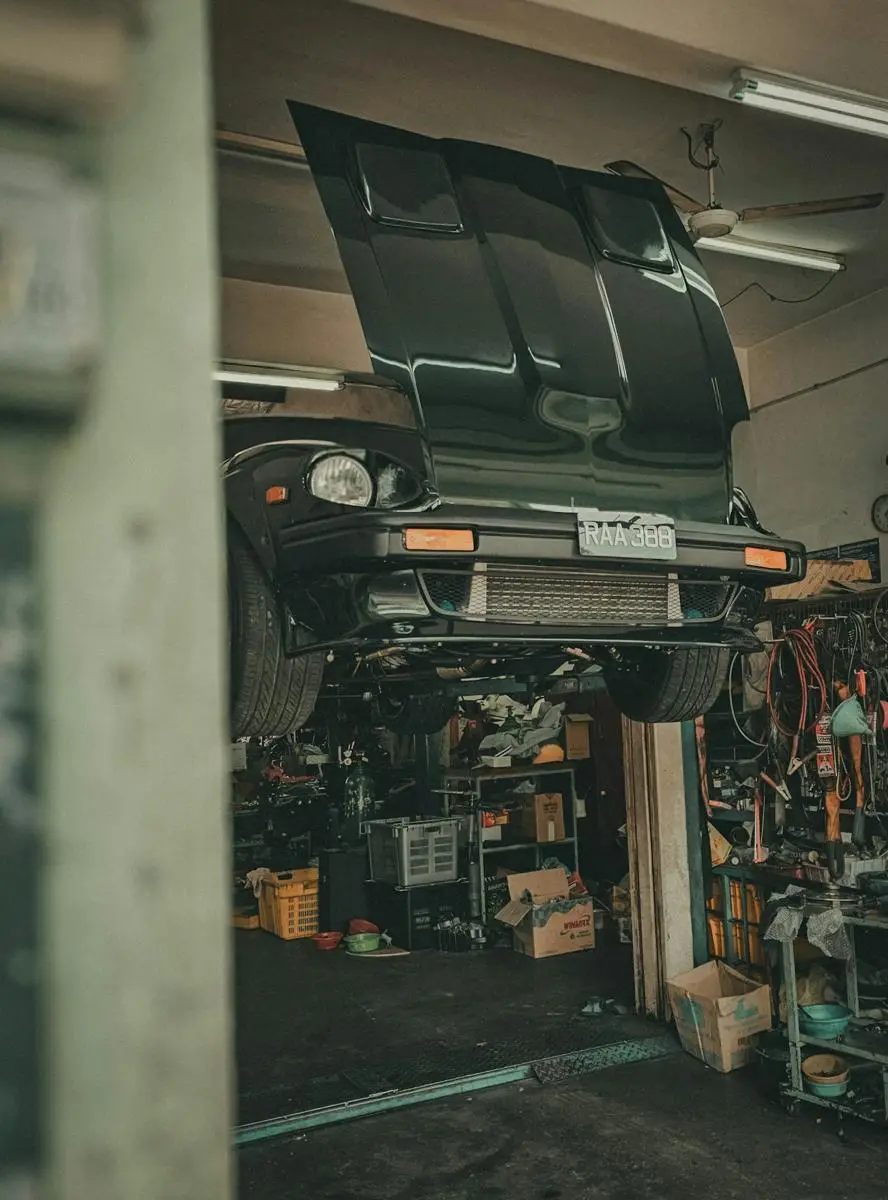
Sales deposits, service drive checkout, parts counter orders, and body-shop balances are not the same workflow. A useful dealership payments setup respects those differences—terminals and permissions where work happens, reconciliation the office can trust, and clear rules for refunds and disputes.
Generic “every department, handled” copy is not enough. Start with how money actually moves in the building.
Deposits, down payments, and large tickets. Tracking what was taken, what remains, and how it posts to the deal matters as much as the terminal itself.
Busy lanes need fast checkout, payment links when the customer is not standing at the cashier, and refunds that do not create a second problem.
Counter and phone orders. Secure ways to take payment without writing card numbers on tickets—and clear records for will-call vs. shipped orders.
Larger repair bills, deposits, and preauthorizations. Staff need a path from estimate to pickup without losing track of holds and balances.
Can service advisors take payment at the point of service—or only at a single cashier? How are deposits and final balances tracked against the deal or repair order? Does payment activity reconcile by department without re-keying? Are phone and payment-link transactions handled with the same controls as in-person cards? Are staff roles and permissions appropriate for refunds and voids?
General information only. Card-brand rules and state requirements change. Swiped Unlimited does not provide legal advice. Confirm surcharge or dual-pricing setup before launch.

Payments should post cleanly to the deal and the repair order. We look at how processing fits the DMS and service tools you already use so the office is not re-keying totals at month end.
We also work alongside tools dealers use for text-to-pay and digital check-in.
Names are trademarks of their owners. Listed to show systems we commonly work alongside—not as a claim of official partnership or guaranteed integration. Confirm connectivity for your store.
Many dealers already work with one of these. Send a statement and we compare on real fees and terms—not brochure rates.
| Provider | Type |
|---|---|
| Priority / AutoLink | Dealer-focused payments |
| Green Payments | Processor |
| DealerPay | Dealer-focused payments |
| Chase | Bank merchant services |
| Bank of America | Bank merchant services |
| CDK Global Payments | DMS-provider payments |
| NPI | Processor |
| Clover | General POS and payments |
| Square | General POS and payments |
| Allied Bank | Bank merchant services |
| Fulton Bank | Bank merchant services |
Restaurant and retail systems: compare processors.
Enter monthly card volume and the effective rate from your statement (total fees ÷ volume). This is a teaching calculator only. Real recommendations come from a full statement review.
Assumptions are yours to edit. Default “estimated rate” is a placeholder, not a Swiped offer.
Tell us how Sales, Service, Parts, and Body Shop take payments today. Bring statements if you want the cost conversation grounded in real fees.
1.844.510.5600
Headquartered in Monmouth Beach, NJ
Send recent statements. We will walk fees, workflows, and whether a change looks worthwhile for your store.
Get a free statement analysis Talk to a real person